Awdio
Your audiobooks. Beautifully played.
Awdio plays the audiobooks you own, and thousands of free classics, on iPhone and iPad.

Free · No account · No ads
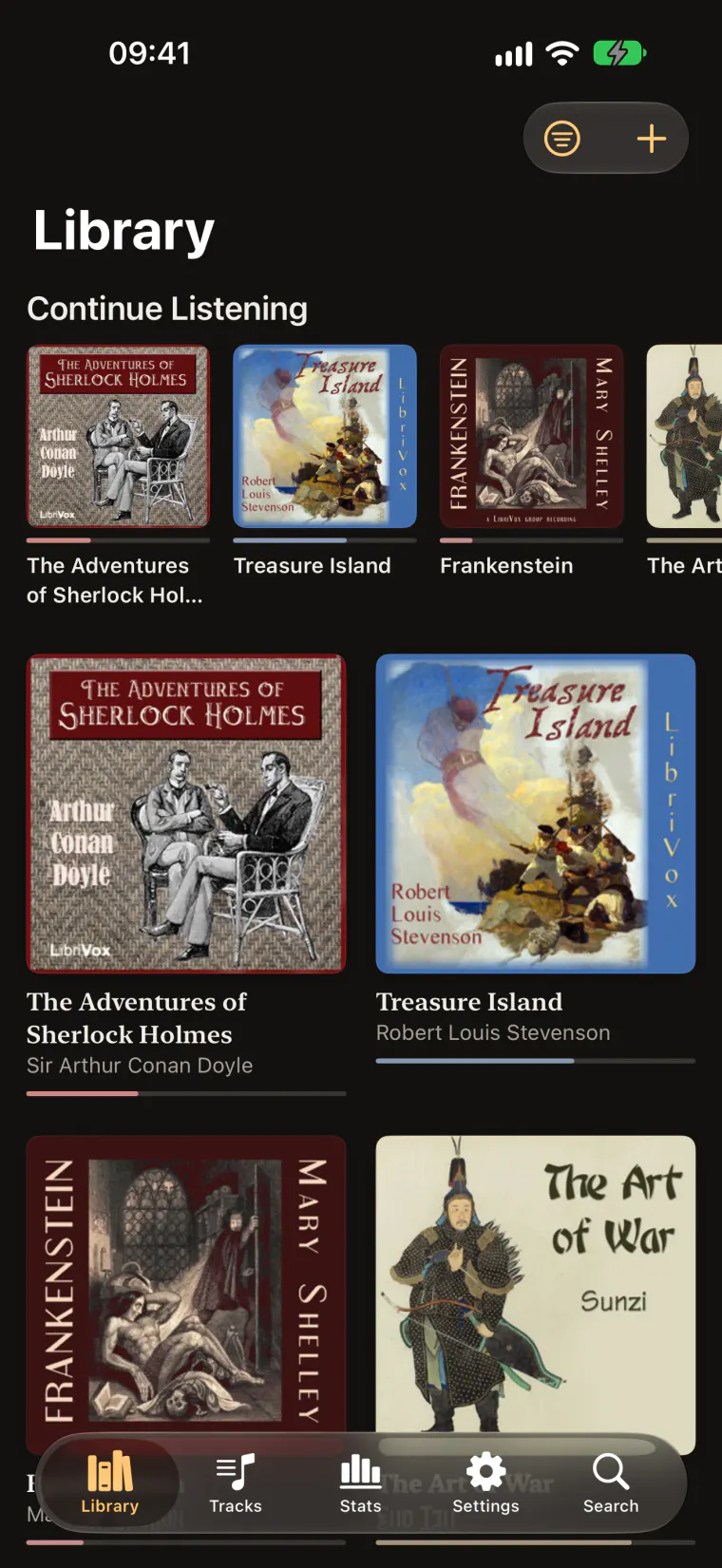
The small print, in large type.
FreeOn iPhone and iPad.
No accountOpen it and press play.
No adsJust the story.
No trackingNothing is sent to us.
Works offlineYour books live on your device.
32 languagesFollows your iPhone’s language.
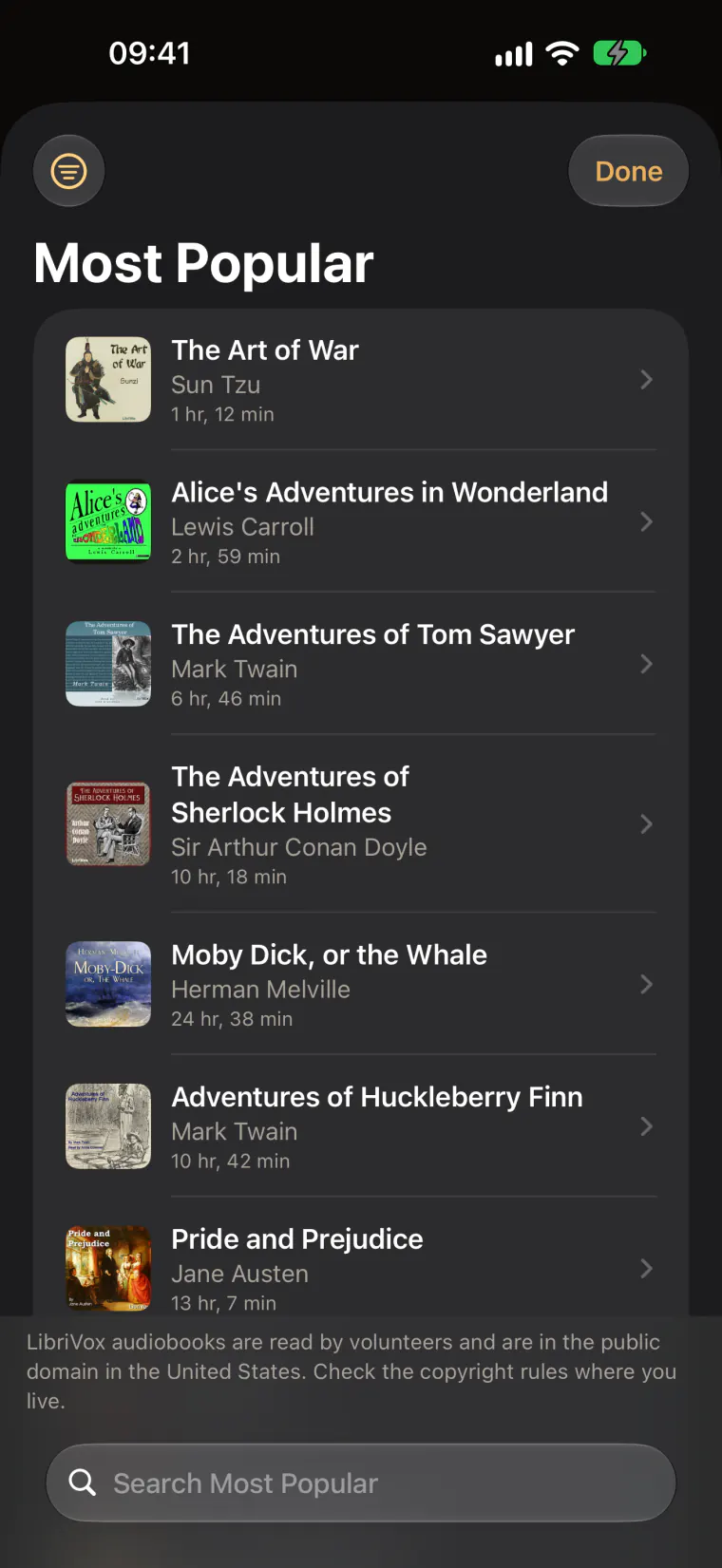
Start with free classics.
No audiobooks yet? Browse thousands of public-domain recordings from LibriVox, read by volunteers. Download one and it lands in your library with its chapters and cover.









Every word, at your speed.
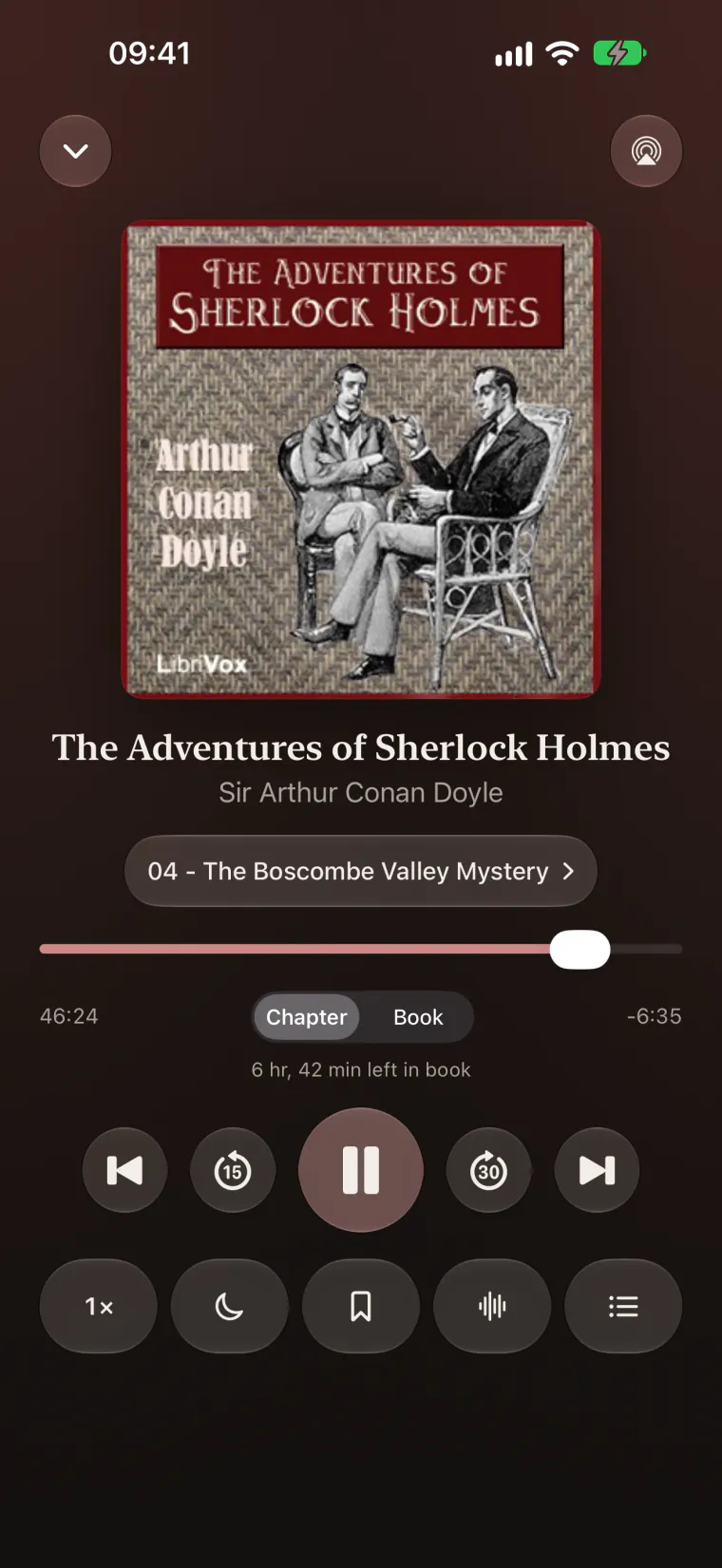
Anywhere from 0.5× to 3.5×, the narrator still sounds like themselves, and Awdio remembers the speed for each book.
At 1.5×, The Adventures of Sherlock Holmes takes 6 hr 52 min instead of 10 hr 18 min.
- Skip silenceShortens long pauses without clipping words.
- Voice boostMakes narrators clearer on a noisy train or late at night.
- Smart rewindReplays a few seconds after a pause, more after a long break.
- Gapless playbackAcross multi-file books, CUE sheets and embedded chapters.
- Bookmarks and notesMark a moment and write down why it mattered.
- Never lose your placeSaved constantly, with one-tap undo for big jumps.
Drift off. Keep your place.
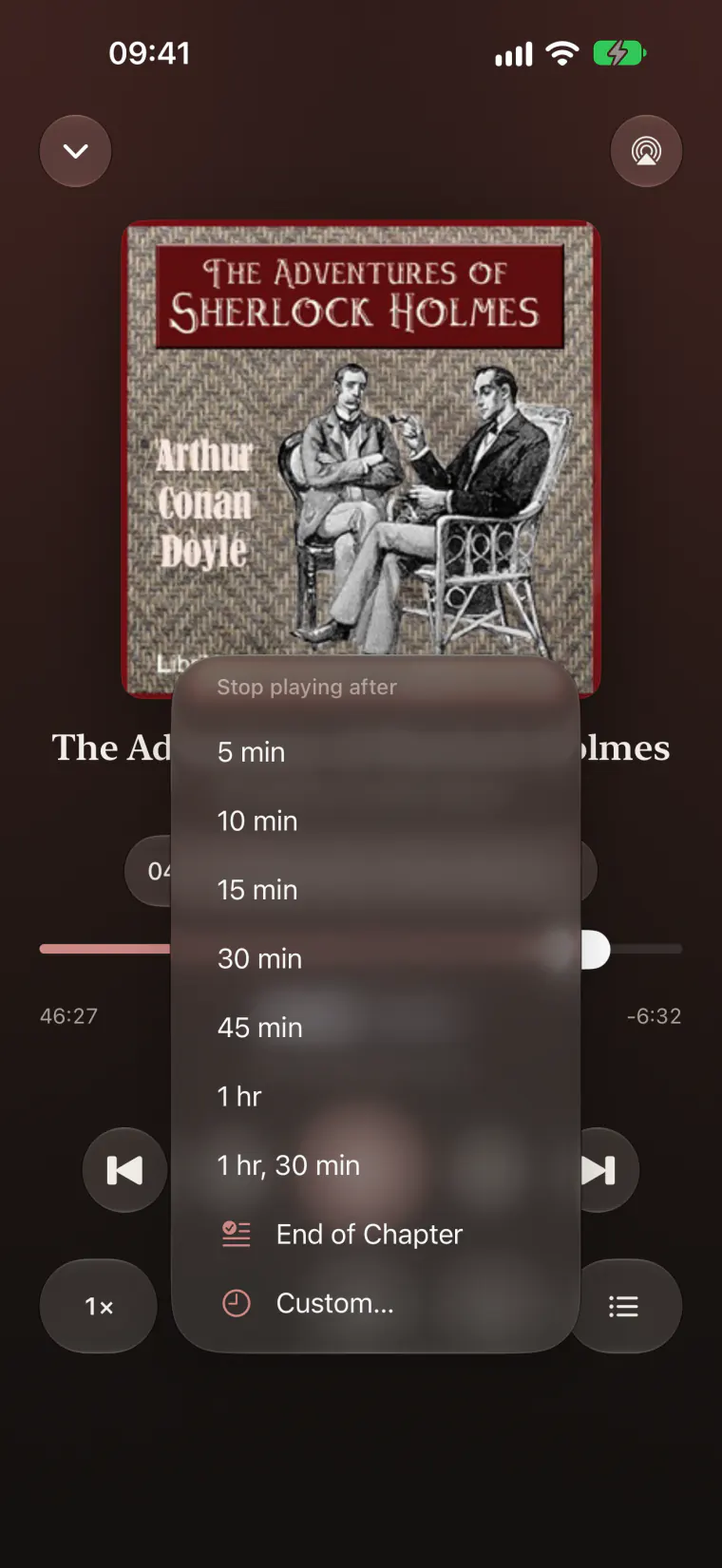
Stop after a set time, at the end of the chapter, or at a time of night. The story fades out gently, and if you’re still awake, a shake gives you more time.
- On by itself at bedtimeSet the hour once and the timer starts when you press play late.
- Countdown on the Lock ScreenAnd in the Dynamic Island, without unlocking.
Watch the habit grow.
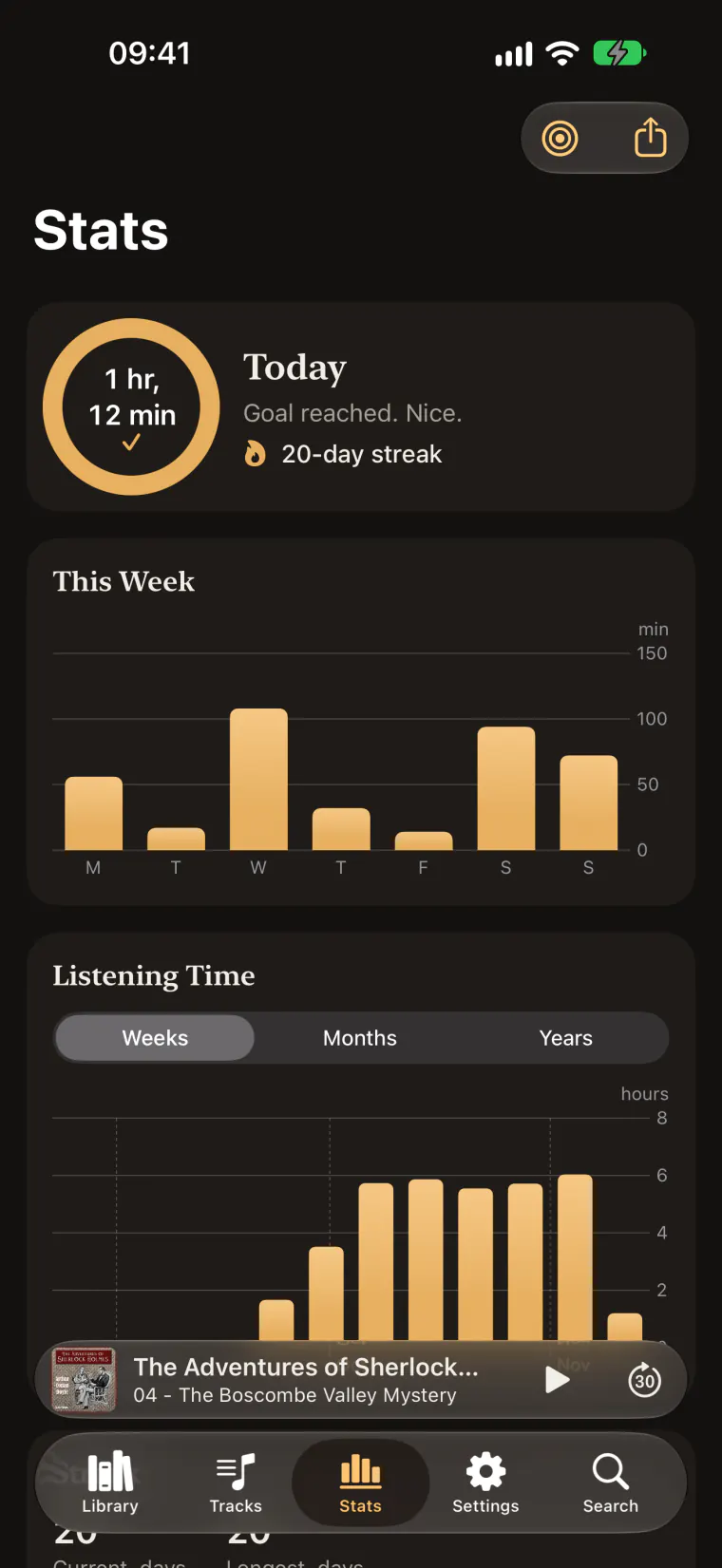
Set a daily goal and Awdio keeps count: streaks, weekly and monthly charts, the books you finish, the hours you listen most, and a year in review.
- A goal for every dayA ring fills as you listen, and the streak keeps going.
- Your history is yoursExport it any time.
Your place, on every device.
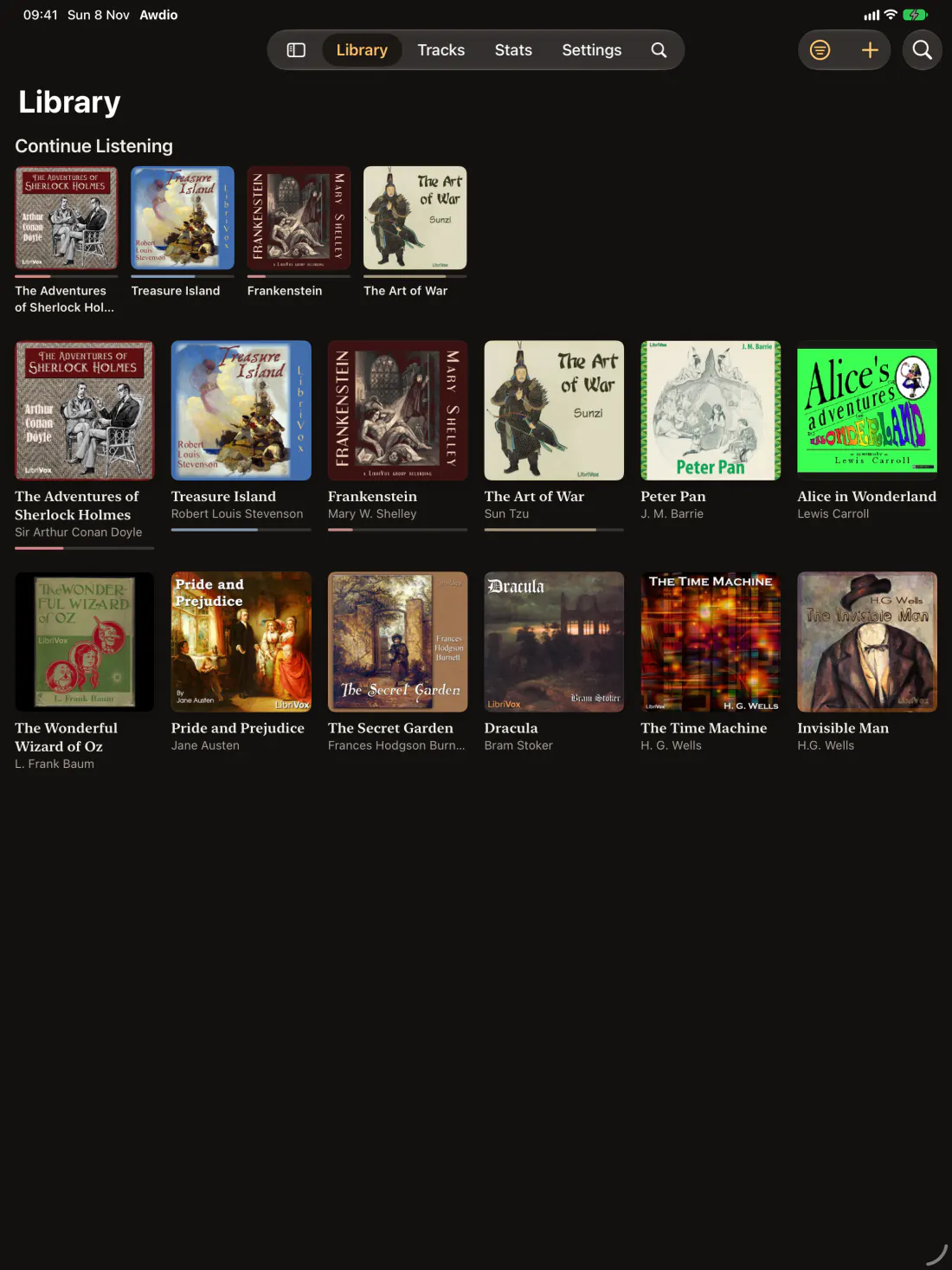
Download books from your own Audiobookshelf, Jellyfin or Plex server, with progress synced both ways. iCloud Sync keeps your place, bookmarks and history the same on iPhone and iPad.
- Apple WatchTake a book with you and listen offline with AirPods.
- Widgets and Live ActivityWhat’s playing, what’s next and today’s goal, in the Dynamic Island too.
- Siri and Shortcuts“Resume my book in Awdio.”
- SpotlightFind any book from the Home Screen search.
Bring the files you own.
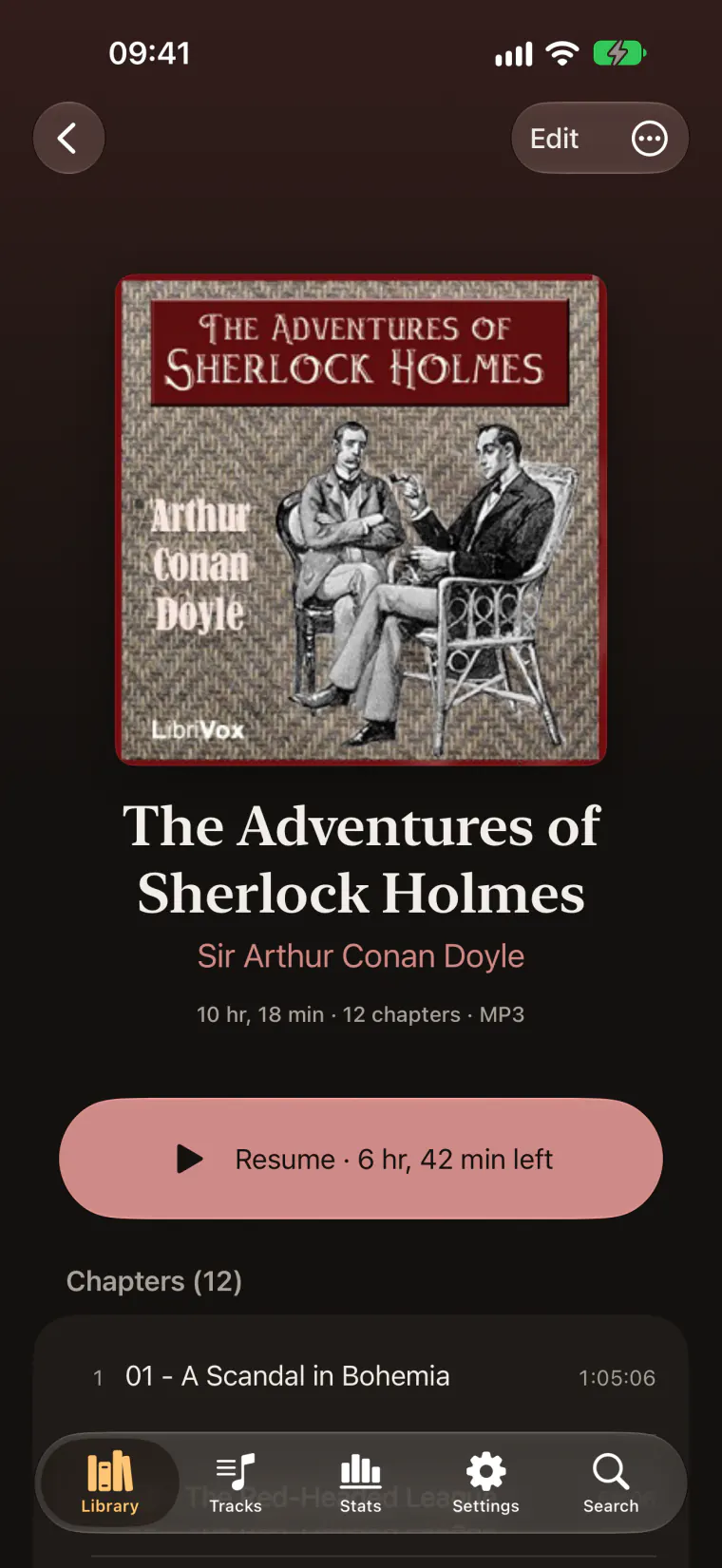
Import from Files, iCloud Drive or any folder. Awdio reads the chapters, covers, authors and narrators from the files themselves.
- M4B
- M4A
- MP3
- AAC
- FLAC
- Opus
- WAV
- AIFF
CUE sheets and books split across many files play as one book, gapless.
What you hear stays yours.
Awdio has no account, no ads and no tracking, and sends nothing to us. Your library and history stay on your device, and reach your own iCloud only if you turn on sync.
Read the privacy policyBefore you download.
Does it play Audible or Apple Books?
No. Audible and Apple Books purchases are locked with DRM, and Awdio plays DRM-free files only. If your audiobooks are plain files, such as M4B, MP3 or FLAC, Awdio plays them, and the free LibriVox classics are always there.
Where do the books come from?
From files you already own (in the Files app, iCloud Drive or any folder), from your own Audiobookshelf, Jellyfin or Plex server, or from LibriVox inside the app. LibriVox recordings are in the public domain in the United States; copyright rules can differ where you live.
What does it cost?
Awdio is free to download. There’s no account to create, no ads and no tracking, and the LibriVox classics are free too.
Does it work on iPad and Apple Watch?
Yes. Awdio runs on iPhone and iPad with iOS 18 or later. On Apple Watch you can take a book with you and listen offline with AirPods.
Does it work with my media server?
Yes, if it’s Audiobookshelf, Jellyfin or Plex. Add your server in Settings, under Media Servers, and download the books you want. Your listening position stays in step with the server both ways.
Will my place follow me between devices?
Turn on iCloud Sync and your place, bookmarks and listening history stay the same on your iPhone and iPad, stored in your own private iCloud account.
Which languages does Awdio speak?
32 of them. Awdio follows the language you’ve set on your device. Questions we haven’t answered here are on the support page.
Start listening tonight.
Free on the App Store for iPhone and iPad. Your first classic is a minute away.
No account · iOS 18 or later